How to Check Your Costco Shop Card Balance
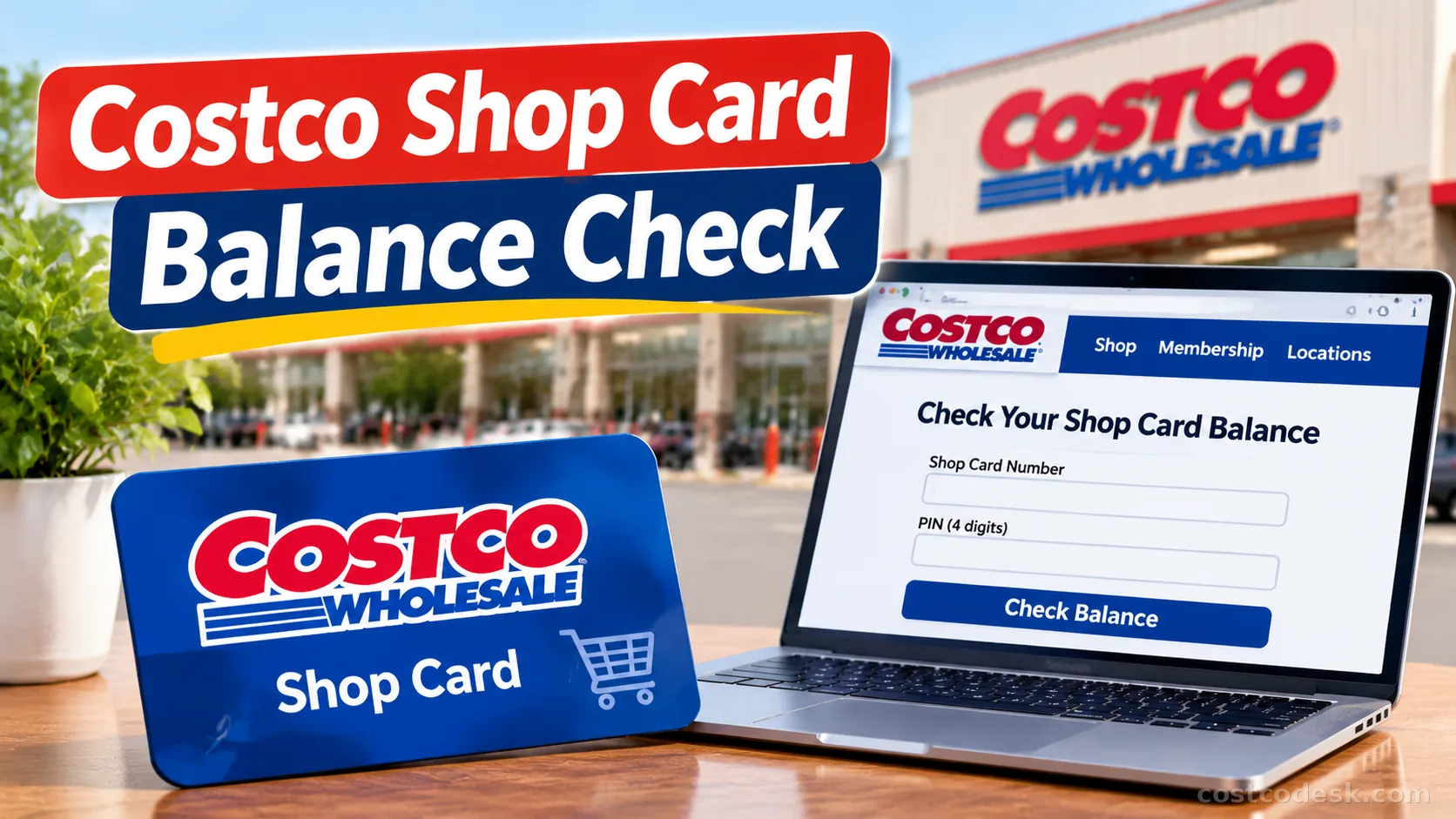
If you want to check your Costco Shop Card balance, you can do it online at Costco.com or through the Costco mobile app. You need your Shop Card number and 4-digit PIN to see how much money is left on your card.
The online method is usually the quickest. Enter your card details on Costco’s balance-check page, select Check Balance, and your remaining balance should appear.
Key Points
Check Your Balance Online
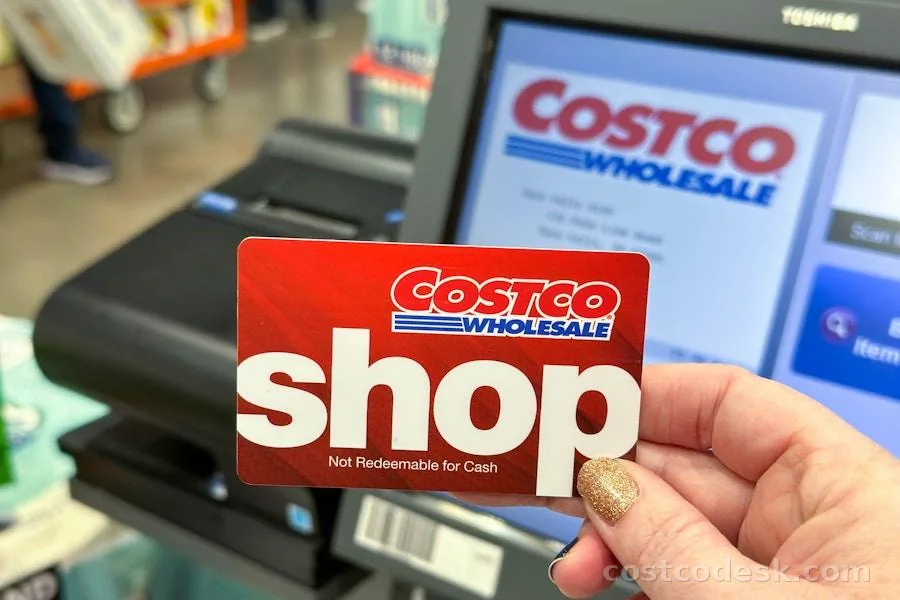
You can check your Costco Shop Card balance online in a few simple steps. You don’t need to visit a warehouse just to see how much money remains on your card.
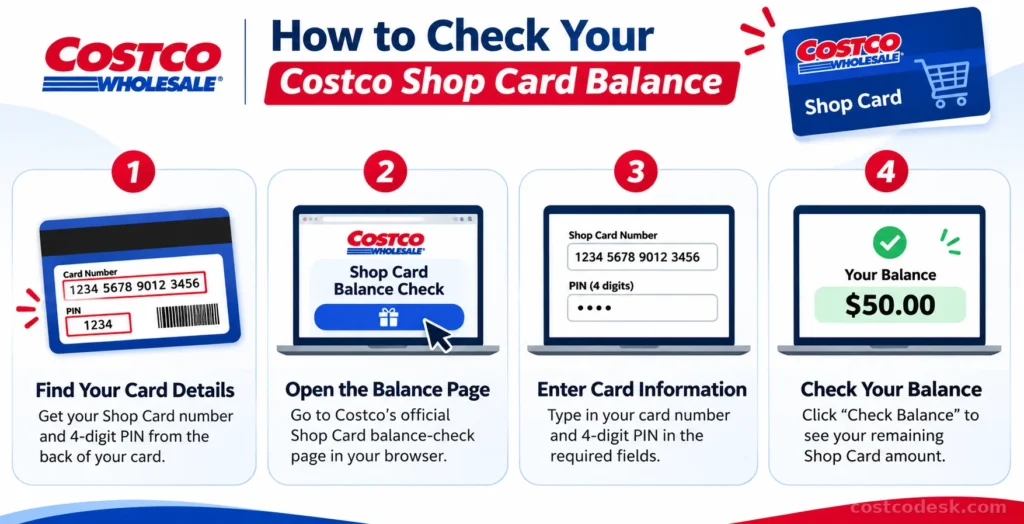
Follow these steps:
- Open the Costco Shop Card balance-check page.
- Turn your physical card over and find the card number.
- Enter the card number in the required field.
- Enter the 4-digit PIN.
- Select Check Balance.
- View the remaining amount displayed on the page.
If you entered the correct details, your available balance should appear after submitting the form. You can then decide how much to spend or whether you need another payment method.
Checking your balance before shopping is especially helpful if you received the card as a gift or have used it for several purchases and don’t remember how much is left.
Where You Can Check Your Balance
You can go directly to Costco’s official balance-check page using the link below.
Check Your Costco Shop Card Balance Online
The page asks for your Shop Card number and PIN. Enter both details to see your available funds. Use the official Costco website rather than third-party balance-check services to protect your card information.
Check Your Balance in the Costco App
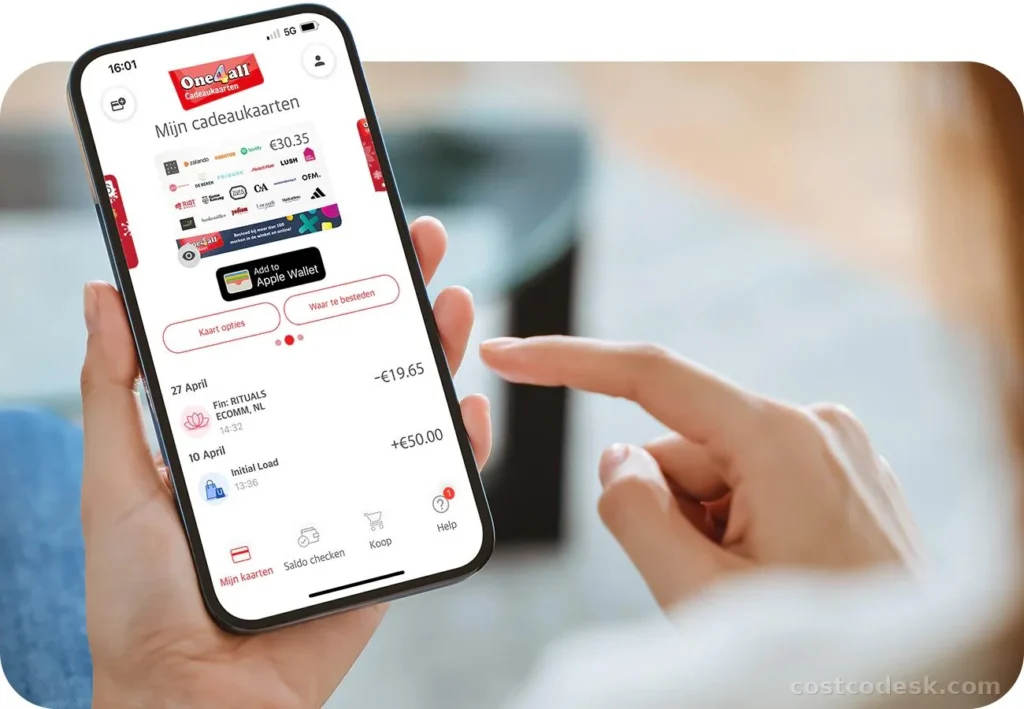
You can also check your Shop Card balance through the Costco mobile app. This is convenient if you already use the app for shopping or managing your membership.
Here’s how to check your balance in the Costco app:
- Open the Costco app on your phone.
- Go to the Menu or Account area.
- Open the Membership section.
- Select Shop Card Balance.
- Enter your Shop Card number and 4-digit PIN.
- Tap Check Balance to view the available amount.
Costco’s official app instructions specifically list the path as Menu → Membership → Shop Card Balance. The app asks for the card number and PIN to display the balance.
If the app menu looks different after an update, look under your account or membership options for Shop Card Balance.
What You Need to Check Your Balance
To check your balance, you only need your Shop Card details. Make sure you have the correct card number and PIN before opening the balance-check page.
| Information | Where to find it |
|---|---|
| Shop Card number | On the physical card |
| 4-digit PIN | On the back of the physical card |
| Digital Shop Card number | In the gift card email |
| Digital Shop Card PIN | In the email containing the card |
The card number identifies your Shop Card, while the PIN is needed to complete the online balance inquiry. If you can’t locate either detail, check your card or original email before trying again.
Where Is the PIN on a Costco Shop Card?
The 4-digit PIN is located on the back of your physical Costco Shop Card, usually in a protected area that may need to be uncovered. Check the back carefully if you can’t see it immediately.
For a digital Shop Card, check the email where you received the card. Costco says the digital card number and PIN are provided in the email.
Do not share your card number or PIN with anyone you don’t trust. Treat these details like cash because someone who has access to them may be able to use your Shop Card.
Check a Digital Shop Card Balance
A Digital Costco Shop Card can be checked online just like a physical card. You don’t need to print it to find the remaining balance.
Here’s how:
- Open the email containing your Digital Costco Shop Card.
- Find the card number and 4-digit PIN.
- Visit Costco’s Shop Card balance-check.
- Enter the card number and PIN.
- Submit the information to view your remaining balance.
If you can’t find the email, search your inbox for Costco Shop Card messages. Also check your spam or junk folder because gift card emails can sometimes end up there.
If you purchased the digital card from Costco.com, check your order tracking or order details for an option to resend the email.
Check Your Balance Without a PIN
Costco’s online balance checker requires the card number and 4-digit PIN. You generally cannot complete the online check using only the card number.
If you don’t have your PIN, try these options:
- Check the back of your physical card for the PIN area.
- Open the original email if you received a Digital Shop Card.
- If the PIN is unreadable, contact Costco for assistance.
- If you’re already at a warehouse, ask an employee for help with your Shop Card.
Don’t enter your card information on unknown gift card websites. Use Costco’s official balance-check page when checking your funds online.
Check Your Balance at a Warehouse
Yes. If you’re visiting a Costco warehouse, you can ask for assistance with your Shop Card balance. You may also be able to view the available funds through the checkout prompt when using the card.
An in-store check can be helpful if the online balance page isn’t working or you need help with your card. However, if you only want to know the remaining balance, try the online checker first to save yourself a trip.
Why Your Balance May Not Show
If your Shop Card balance isn’t displaying, the problem may be related to the information you entered, the card’s activation, or a temporary issue with Costco’s website.
Incorrect card number
Compare the number you entered with the number on the back of your card. Check each digit carefully, especially if you typed it manually on a phone.
Incorrect PIN
The online checker needs the correct PIN. If you’re using a physical card, check the PIN area again. For a digital card, use the PIN included in the original email.
Your Shop Card May Not Be Activated
If your Shop Card was recently purchased online or received through a promotion, it may need activation before you can use it.
For Shop Cards purchased on Costco.com, Costco provides an activation process by calling 1-866-781-1014 and following the prompts. Promotional Shop Cards may have a separate activation process. Shop Cards received through promotions can be activated at CostcoShopCard.com
Costco’s website isn’t loading
If the balance page isn’t loading, try these simple fixes:
- Refresh the page.
- Open Costco.com in another browser.
- Try using the Costco app instead.
- Turn off a VPN temporarily if it is interfering with the page.
- Try again later if Costco’s website appears to be temporarily unavailable.
If these steps don’t help, contact Costco Customer Service or visit a warehouse for assistance.
Reload a Costco Shop Card
Yes, you can add funds to a Costco Shop Card, but Costco currently doesn’t offer online reloading for physical or digital Shop Cards.
To add more money, visit a Costco warehouse and ask to reload your card at a register. The balance-check page is only for viewing your available funds; it doesn’t add money to your card. Once reloaded, you can spend the balance with the payment methods Costco accepts.
Do Shop Cards Expire?
No. Costco Shop Cards don’t expire, so you can keep the remaining funds and use them on a future shopping trip.
You don’t have to spend the entire balance in one visit. Keep your card somewhere safe so you can access the remaining funds whenever you need them.
Frequently Asked Questions
Can I use a Costco Shop Card if I’m not a member?
Yes. Non-members can use Costco Shop Cards at eligible Costco locations and on Costco.com, subject to applicable store and department restrictions. A Shop Card can provide a way to shop at Costco without having a membership.
What happens if I lose my Costco Shop Card?
Costco generally does not replace lost or stolen Shop Cards. If you lose a physical card, the remaining balance may be difficult to recover, so keep it safe.
If you lose a Digital Shop Card, check the original email for the access link. If you purchased it through Costco.com, you may be able to resend the email through your order details.
Can you get cash back from a Costco Shop Card?
Shop Cards are generally intended for purchases and aren’t redeemable for cash except where required by law. Cash-redemption rules vary by state, and some states require small remaining balances to be paid out.
Can I use my Costco Shop Card for Same-Day Delivery?
No. Costco Shop Cards aren’t accepted for Same-Day Delivery orders powered by Instacart. If you want to use your Shop Card for an online order, Costco recommends its 2-Day Delivery option instead.
Can I send my Digital Costco Shop Card to someone else?
Yes. You can forward the email containing your Digital Costco Shop Card to the intended recipient. Make sure you send it to the correct person because anyone with access to the card details may be able to use it.
Can I transfer a Digital Shop Card balance to a physical card?
Costco says you can take your Digital Shop Card to a warehouse and use it to purchase a physical Shop Card for the same value.
Final Thoughts
Checking your Costco Shop Card balance is simple once you have the card number and PIN. Use Costco’s online balance checker to see how much money remains, whether you’re checking a physical gift card or a Digital Shop Card.
If the balance doesn’t appear, check your card details, confirm its activation if necessary, and try again. You can also ask Costco for help at a warehouse if you can’t resolve the issue online.
2 Comments